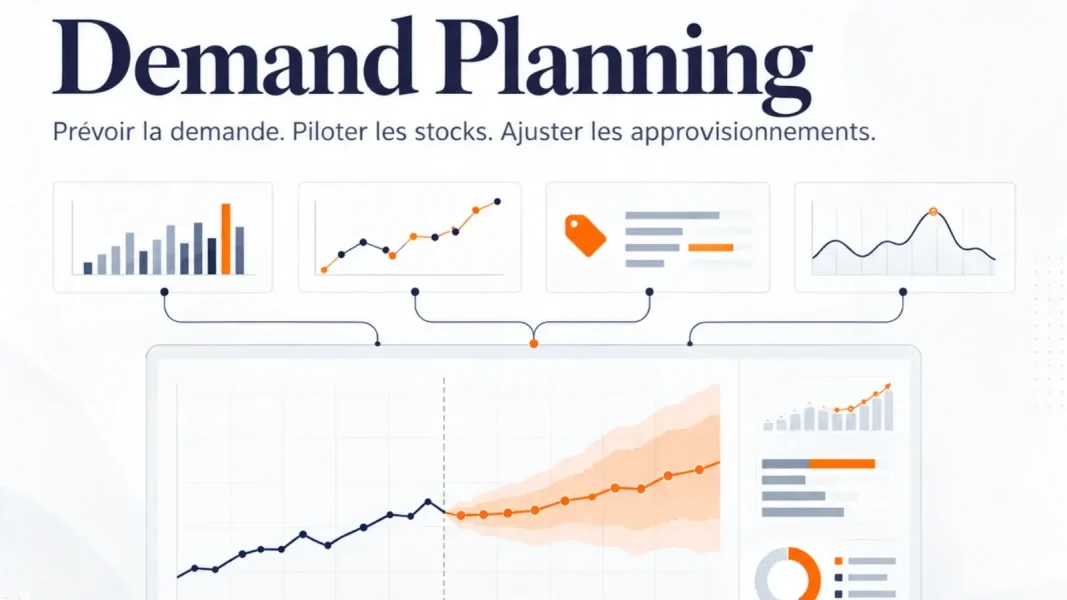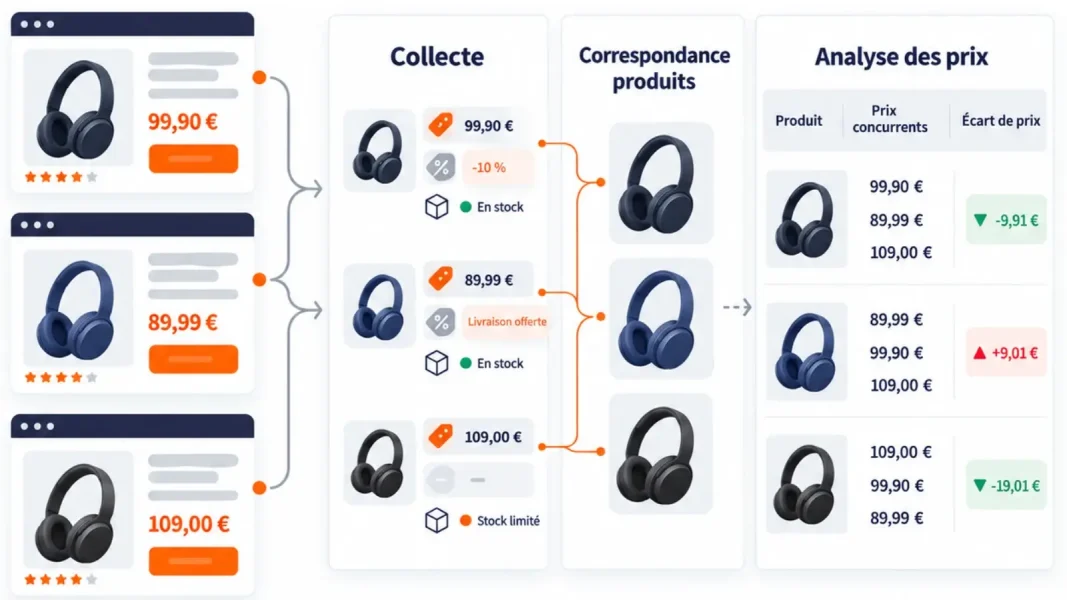



ERP systems consolidate orders, sales, inventory, purchasing, and supplier data to coordinate business operations. However, when it comes to forecasting demand and creating procurement plans, some of the work is often still done in Excel.
Every time there’s a promotion, a supplier delay, or an unexpected change in demand, the teams pull the data, adjust their calculations, and revise the plan. They have a clear picture of what has been sold, ordered, or stocked, but sometimes lack the necessary capabilities to determine what will need to be ordered, produced, or distributed in the coming weeks.
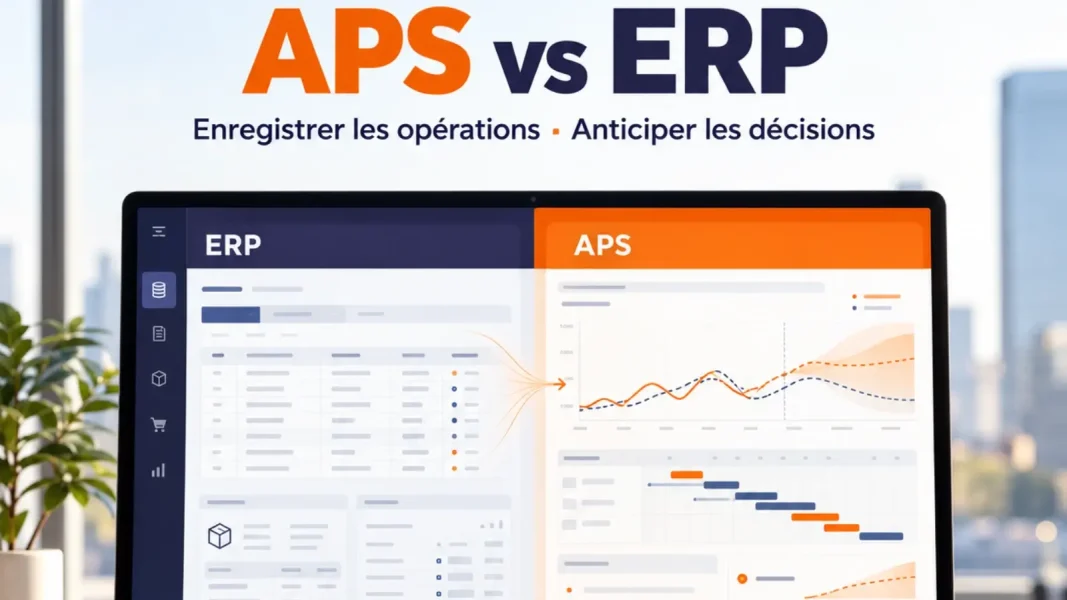
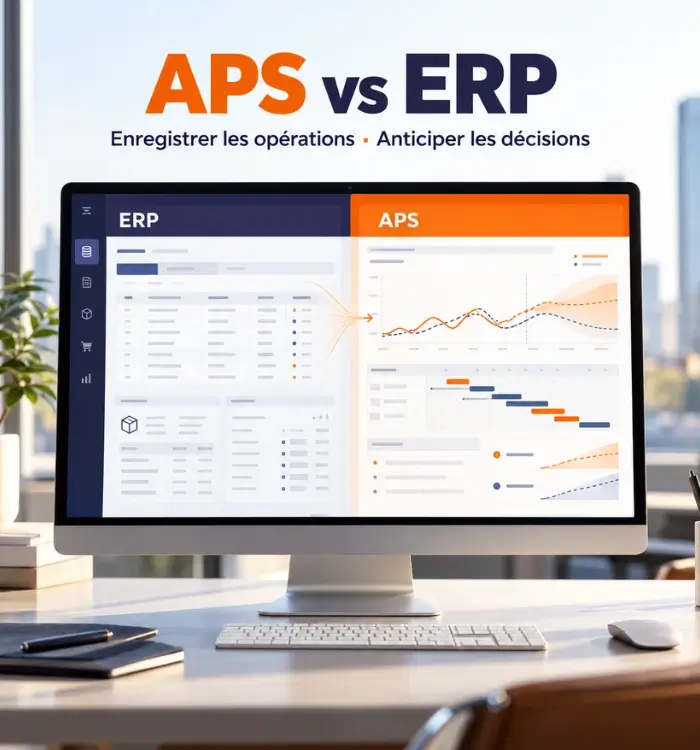
This limitation does not call into question the role of the ERP. Above all, it highlights a difference in function. The ERP centralizes transactions and coordinates their execution. An APS solution uses this data to forecast demand, account for constraints, and propose planning decisions.
Expecting an ERP system to handle advanced forecasting needs on its own can lead to an increase in manual adjustments. Adding an APS without ensuring the reliability of the data that feeds it leads to plans that are just as fragile. To effectively integrate these two software systems, it is therefore essential to understand precisely where the ERP’s role ends, what the APS contributes, and in which situations it becomes necessary.
What is an ERP system, and what role does it play in a business?
ERP stands for Enterprise Resource Planning, or enterprise resource planning. This integrated management software brings together, within a single information system, the data used by various departments. Depending on the modules deployed, it can cover finance, accounting, billing, purchasing, sales, orders, inventory, production, logistics, and human resources.
Its primary role is to record and coordinate operations. When an order is approved, a supplier receipt is recorded, or a product is transferred between two warehouses, the ERP system updates the corresponding information. Teams then have a shared database to track customer and supplier orders, purchases, sales, inventory, logistics movements, production orders, and financial results.
The concept of a “single database” does not necessarily mean that all information is stored in a single physical database. Rather, it indicates that the ERP system provides consistent, shared data on items, suppliers, orders, inventory, lead times, and production.
An ERP system therefore makes it possible to know what the company owns, what it has sold or ordered, and what transactions are already in progress. It ensures that this information is recorded and accessible in a consistent manner across the various departments.
What is APS software?
APS stands for Advanced Planning and Scheduling, or advanced planning and scheduling. APS software specializes in forecasting and optimizing supply chain flows. It uses historical data, orders, inventory levels, lead times, capacity, and business rules to generate forecasts and propose feasible plans.
In retail and distribution, an APS can cover demand forecasting, procurement, inventory optimization, and the allocation of products across sites and channels. In manufacturing, it can also incorporate production line capacity, available materials, and detailed scheduling.
An APS evaluates data against objectives and constraints: service levels, storage capacity, minimum order quantities, packaging, supplier lead times, or shelf life. It can compare multiple scenarios and assess their impact on availability, inventory, costs, or workload.
It addresses forward-looking questions: What demand should we prepare for? What inventory level will be needed? When should we place orders? How much should we allocate to each location? And which SKUs are at risk of stockouts or overstocking?
What is the difference between APS software and ERP?
The main difference lies neither in the volume of data nor in the deployment method. It lies in the function of each system. ERP coordinates and tracks management processes. APS calculates the best possible response to a future demand given certain constraints.
Criterion | ERP Software | APS Software |
Lead Role | Centralize transactions and coordinate business processes | Forecast, plan, simulate, and optimize supply chain decisions |
Temporal Orientation | Present and past, with tracking of ongoing operations | Future, in operational, tactical, or strategic terms |
Key Data | Orders, Purchases, Inventory, Sales, Items, Suppliers, Invoices, Work Orders | Demand history, forecasts, constraints, capacities, lead times, inventory policies, and service objectives |
Computational Logic | Management Rules, Workflows, and Demand Forecasting | Statistical Models and AI, Optimization, Simulation, and Exception Handling |
Product Results | Transactions, documents, inventory reports, orders, and journal entries | Forecasts, ordering recommendations, procurement plans, alerts, and scenarios |
Primary Users | Finance, Sales, Purchasing, Production, Logistics, Administration | Demand planners, supply planners, procurement specialists, supply chain and operations managers |
Purpose | Carry out and document what needs to be done | Determine what would be appropriate to do |
For example, the ERP system knows that a warehouse has 1,500 units, that 600 are already reserved, and that a supplier order for 2,000 units is expected. APS combines this information with forecasted demand, uncertainty, the supplier’s actual lead time, the expected service level, and delivery constraints. It can then recommend changing the date or volume of the next order.
One handles execution, while the other prepares the decision. Some ERP systems include forecasting or planning modules, but their presence does not guarantee the same level of detail, simulation, or constraint management.
Why aren’t an ERP system’s planning features always enough?
ERP software can include MRP, reorder points, simple forecasting, or an inventory management module. When demand is stable, the product catalog is limited, and supply flows are relatively unconstrained, these features may be sufficient to calculate requirements and organize procurement. Therefore, the use of an APS is not always necessary.
The limitations of ERP become more apparent when decisions depend on numerous factors. A promotion changes demand and inventory requirements. A supplier delay affects availability at multiple sites. A minimum order quantity helps maintain purchasing terms but can also lead to excess inventory. Every decision made regarding a flow can then have ripple effects throughout the rest of the supply chain.
However, standard ERP calculations are often based on relatively fixed parameters, such as a theoretical lead time, a minimum inventory level, or average consumption. These benchmarks do not adequately reflect demand that varies depending on the season, promotions, the product life cycle, the location, or the sales channel.
APS allows you to take things a step further by forecasting demand at a finer level of detail and adapting models to the behavior of each SKU. It can correct historical data distorted by stockouts, promotions, or one-time sales, and then incorporate logistical constraints into the calculation of requirements and safety stock. Teams can also simulate a surge in demand, a supplier delay, or a drop in capacity before modifying the plan.
As a result, they no longer spend the same amount of time verifying each item. The analysis focuses on exceptions whose consequences warrant human intervention. The question, therefore, is not simply whether the ERP system offers planning functions, but to what level of complexity, precision, and responsiveness it can produce a usable plan without requiring extensive manual adjustments.

APS, ERP, and MRP: Three Concepts That Should Not Be Confused
MRP, or Material Requirements Planning, calculates component or material requirements based on demand, bills of materials, available inventory, and lead times. It primarily answers two questions: What will be needed, and when?
MRP II extended this approach to production resources, particularly capacity. Many industrial ERP software systems now include these functions, which is why the lines between them are sometimes blurred.
APS matches needs against detailed constraints, optimizes multiple objectives, and compares scenarios. In distribution, it can forecast demand by item and by location, generate purchase orders, and organize allocation across the network.
MRP is therefore a method for calculating requirements, ERP is an integrated management system, and APS is an advanced planning tool. They may be intertwined, but they do not refer to the same function.
Can an ERP system replace an APS solution?
Not always. An ERP system is primarily designed to manage and centralize a company’s operations: orders, inventory, purchasing, billing, accounting, and transaction tracking.
Some ERP systems include forecasting and planning features. However, these features may reach their limits when a company needs to manage large volumes, numerous products or locations, multiple constraints, significant fluctuations in demand, or advanced simulation requirements.
An APS solution provides a more specialized layer of planning. In particular, it enables companies to refine forecasts, optimize procurement, simulate different scenarios, and help teams make decisions more quickly.
The challenge, therefore, is not necessarily to choose between ERP and APS, but to make them complementary: ERP remains the transactional foundation, while APS provides the forecasting, optimization, and decision-support capabilities needed for more advanced planning.
How do an APS and an ERP work together?
Integration facilitates a two-way exchange. The ERP system transmits the data needed for calculations. The APS generates planning results, and the validated recommendations are then sent back to the ERP system for execution.
The ERP system can provide:
- the product, site, and supplier catalogs;
- sales or release histories;
- inventory levels and outstanding orders;
- deadlines, bills of materials, and schedules;
- purchase, transfer, or production orders that have already been initiated.
The APS can send validated forecasts, order proposals, transfer requests, or production plans. Depending on the architecture and the level of automation selected, data is exchanged via files, APIs, or standardized interfaces.
The frequency of data exchanges must keep pace with the decision-making process. A daily recalculation does not require the same data flow as intraday scheduling. Seeking real-time data everywhere can burden the project without improving results. On the other hand, data that is updated too late can result in a recommendation that is already outdated.
Data management also requires knowing which system is the authoritative source and where the parameters are maintained. If the supplier lead time differs between the two tools, even the most sophisticated calculation will remain unreliable.
When does it make sense to add an APS?
The need rarely arises because of a complete lack of data. It becomes apparent when data exists, but teams are no longer able to turn it into coherent decisions quickly enough.
There are several signs that may indicate this: forecasts are being revised in numerous files, the scheduling process takes several days, shortages coexist with surpluses, promotions are not properly incorporated, or every unforeseen event requires the plan to be redone.
Complexity matters more than size. A retailer managing a large number of SKUs, stores, and channels may need an APS even without industrial operations. A large, stable manufacturing company, on the other hand, can continue to use its ERP’s functions if its constraints remain simple.
Before selecting a software solution, it is helpful to evaluate four factors:
- the complexity of demand: seasonality, promotions, new product launches, and volatility;
- network complexity: number of locations, storage tiers, and omnichannel flows;
- the complexity of the constraints: deadlines, capacity, packaging, expiration dates, and minimum order quantities;
- the maturity of data and processes: quality of historical data, responsibilities, update frequency, and actual use of recommendations.
The investment must be linked to specific indicators: availability, service levels, inventory, forecast reliability, logistics costs, planning time, and emergencies.
How do you choose between an ERP module and specialized APS software?
The choice between these management tools should be based on the decisions that need to be improved, not on the length of the feature list. A module integrated into the ERP system can reduce the number of interfaces, simplify administration, and be sufficient for relatively stable planning rules. A specialized APS generally offers greater analytical depth, business-specific customization, and simulation capabilities.
To compare the options, you need to test the software in real-world scenarios: promotions, supplier delays, stockouts, product launches, or capacity constraints. The demonstration should show how the tool explains its recommendation and how a user can modify it.
Functional coverage remains a key factor. A need focused on finance, procurement, and execution does not warrant the same tool as a multi-site forecasting and replenishment project. The SaaS model, user-friendliness, and implementation do not compensate for a model that is ill-suited to business processes.
Finally, an APS should not become a “black box” accessible only to a select few experts. Dashboards, alerts, and explanations should enable teams to understand discrepancies, question a parameter, and measure the impact of their decisions.

How the APS–ERP Integration Is Changing Supply Chain Management
Contrasting ERP and APS is like comparing two software programs that serve different purposes. ERP tracks orders, inventory, purchases, and ongoing operations. APS uses this information to determine what needs to be planned, ordered, produced, or allocated in the coming weeks. One provides the data necessary for execution; the other helps prepare the decisions that precede that execution.
However, combining these two tools only yields results if the data is reliable, the parameters are regularly adjusted, and responsibilities are clearly defined. Every piece of information must have an identified reference system, whether it concerns inventory, supplier lead times, open orders, or capacity. Without this consistency, APS generates unreliable plans, and teams continue to correct discrepancies in separate files.
The value of APS is therefore not measured by the number of forecasts or recommendations it produces. It is measured by its ability to leverage ERP data to detect the risk of a stockout earlier, limit excess inventory before it builds up, and adjust procurement before the discrepancy becomes an operational problem. The goal is not to add software to the information system, but to ensure that the data already available leads to faster, more reliable, and immediately actionable decisions.
FAQ on the Difference Between APS and ERP
What is the main difference between an APS and an ERP?
The ERP system centralizes transactions and coordinates the company’s management processes. APS uses data on demand, inventory, lead times, and capacity to forecast requirements, optimize plans, and simulate scenarios. ERP is primarily an execution and traceability system; APS is a system that supports planning and decision-making.
Is an APS necessary if the company already has an ERP system?
Not always. ERP modules may be sufficient when workflows, constraints, and demand remain simple. An APS becomes useful when planning requires finer granularity, advanced forecasting, numerous constraints, scenarios, or exception-based management that the ERP does not adequately cover.
Can an ERP system forecast demand?
Some ERP systems offer forecasting features or specialized modules. The depth of these features varies widely. It is important to review the available models, how promotions and stockouts are accounted for, the level of detail, how uncertainty is measured, the recalculation process, and the ability to compare multiple scenarios.
What is the difference between APS and MRP?
MRP primarily calculates material and component requirements based on demand, bills of materials, inventory levels, and lead times. APS covers a broader range of functions: forecasting, constrained planning, inventory optimization, allocation, simulation, and—depending on the solution—detailed scheduling.
What data must be exchanged between the APS and the ERP?
The APS typically receives specifications, historical data, orders, inventory levels, lead times, schedules, and work-in-progress orders. It can send back approved forecasts, procurement recommendations, transfer requirements, or production plans. The exact scope depends on the decisions assigned to each system.
Is an APS reserved for manufacturers?
No. Manufacturers use it for production planning and scheduling, but retailers and distributors also use it to forecast demand, optimize inventory, calculate supply needs, and allocate products across a network of stores, warehouses, and digital channels.